
Go Pyesta Bank Deposit: Every Bank and Wallet You Can Use

A Go Pyesta bank deposit works a little differently than players might expect. Rather than a separate manual transfer feature, funding your account through your bank happens through the same supported apps and payment standards already available on the platform.
This guide breaks down how bank deposits actually work, which banks and e-wallets you can use, and how to choose the option that fits you best.
What Does “Bank Deposit” Mean on Go Pyesta?
We don’t currently offer a separate manual bank transfer feature for deposits. Instead, when players refer to a “bank deposit“, they’re typically referring to funding their account using their bank’s mobile app, made possible through QRPh, a national payment standard supported by most major banks in the Philippines.
In practice, this means your bank account can still be used to deposit, just through a QR code scan rather than a manual account-to-account transfer. The result is the same, your bank funds your balance, but the process is faster and doesn’t require entering account numbers or reference details by hand.
E-Wallets You Can Use to Deposit From Your Bank
If your bank account is linked to an e-wallet, you have several additional options for funding your Go Pyesta account:
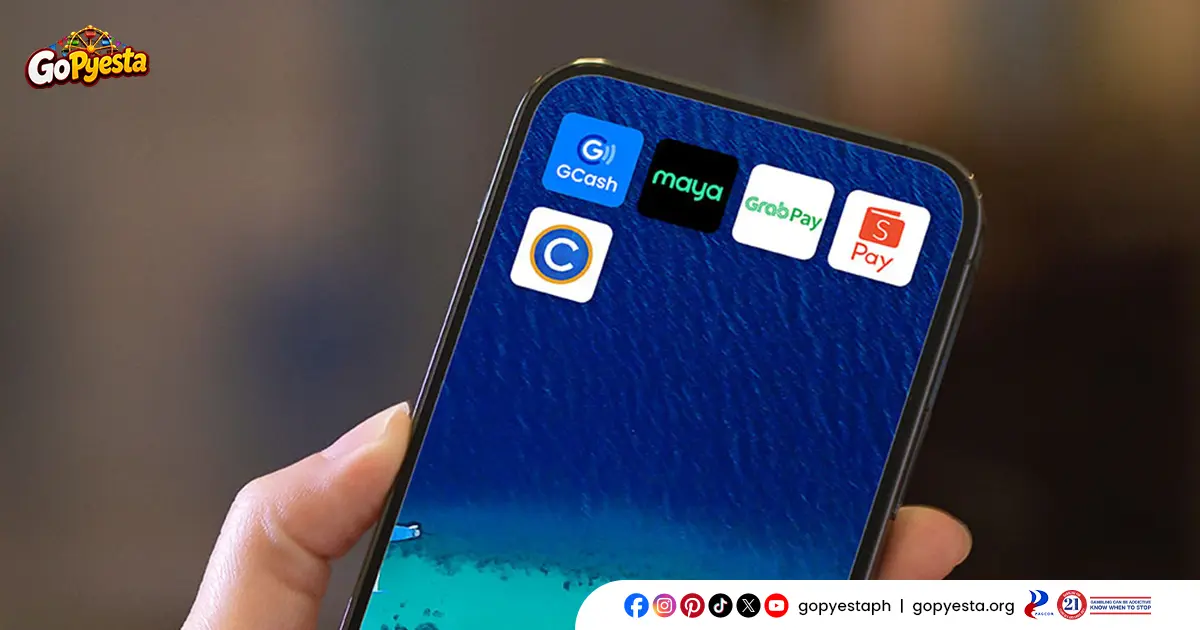
GCash
Widely linked to most major Philippine banks for easy cash-in, making it a convenient bridge between your bank account and your deposit.
Maya
Functions as both an e-wallet and a digital bank itself, allowing direct transfers from linked bank accounts without needing a separate cash-in step.
GrabPay
Supports bank-linked top-ups as well, offering another route for players who already use it for other everyday transactions.
GoTyme
A digital bank with its own linked wallet features, allowing players to fund their account directly from their GoTyme balance.
Coins.ph
Supports bank transfers and card-linked top-ups, often used by players who also engage in crypto or remittance transactions.
ShopeePay
Commonly linked to bank accounts and debit cards, popular among players who already use it for online shopping and bills payment.
Each of these e-wallets can pull funds from a linked bank account, giving you a familiar middle step if you’d rather not scan a QR code directly through your bank’s app.
Banks You Can Use for a Go Pyesta Bank Deposit
Most major banks in the Philippines support QR Ph, giving you plenty of options to deposit directly from your mobile banking app:
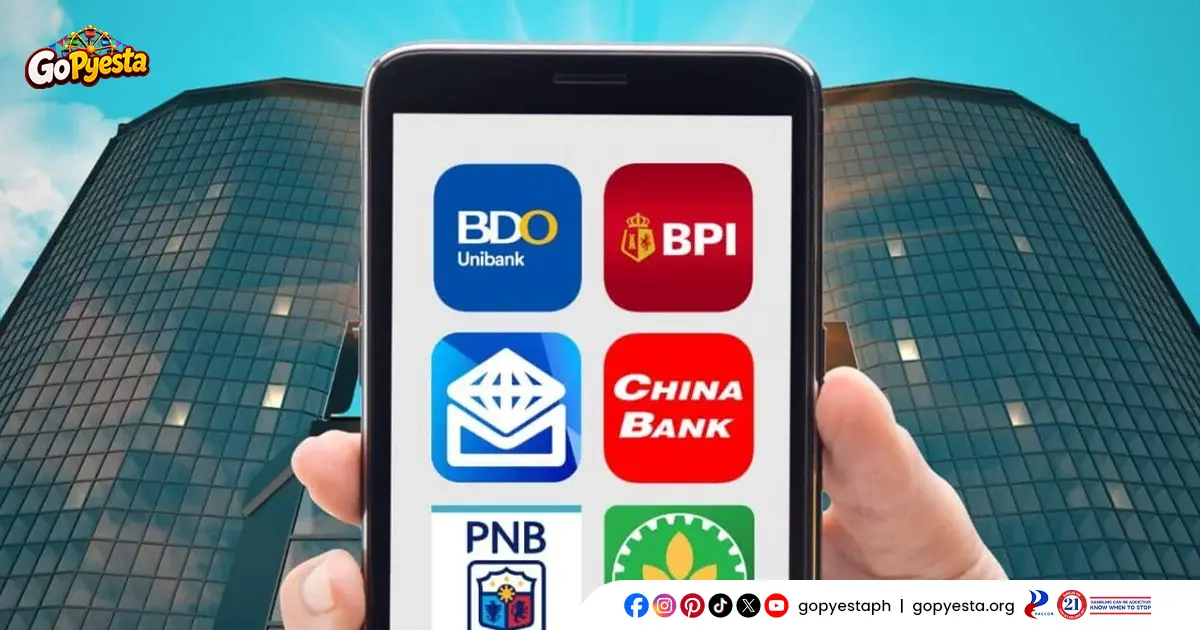
BPI (Bank of the Philippine Islands)
One of the most widely used banks in the country, with a mobile app that supports QR Ph payments for quick, direct deposits.
BDO (Banco de Oro)
The largest bank in the Philippines by assets, offering QR Ph support through its mobile banking app for straightforward fund transfers.
UnionBank
Known for its strong digital banking features, UnionBank’s app supports QR Ph scanning for fast, cashless deposits.
Metrobank
A long-established bank with QR Ph integration built into its mobile app, suitable for players who prefer a traditional banking experience.
Landbank
A government-affiliated bank widely used across the Philippines, also supporting QR Ph payments through its mobile app.
China Bank
Offers QR Ph functionality through its mobile banking platform, giving customers another reliable deposit option.
Security Bank
Supports QR Ph payments through its mobile app, commonly used by players who already bank with them for everyday transactions.
RCBC (Rizal Commercial Banking Corporation)
Another major bank with QR Ph support, allowing customers to deposit directly through their mobile banking app.
PNB (Philippine National Bank)
One of the country’s oldest banks, offering QR Ph integration for customers who prefer using their existing PNB account.
EastWest Bank
Also supports QR Ph payments through its app, providing yet another familiar option for players who already bank with them.
Since QR Ph is a shared national standard, this list continues to grow as more banks roll out or expand their QR Ph support, so it’s worth checking your own banking app if it isn’t listed here.
Choosing the Right Bank or Wallet for Your Go Pyesta Bank Deposit
With so many banks and e-wallets available, the best option usually comes down to what you’re already using day to day.
If you already have GCash or Maya, sticking with your e-wallet is often the simplest route, since you’re likely already familiar with the app and its cash-in process.
If you primarily use a traditional bank account, scanning through your bank’s mobile app avoids the extra step of transferring funds into an e-wallet first.
If speed is your priority, most QR Ph-enabled apps, whether bank or e-wallet, process deposits at a similarly fast pace, so familiarity matters more than the specific provider you choose.
Ultimately, there’s no wrong choice here. Whichever bank or e-wallet you already trust, it’s just one of several ways to fund your account, and the one that will likely serve you best.

Bank On What You Already Use
Whether it’s a traditional bank account or an e-wallet already linked to one, completing a Go Pyesta bank deposit doesn’t require anything new. Use what’s already familiar, and you’re ready to play.
Frequently Asked Questions (FAQs)
What’s the minimum and maximum amount for a Go Pyesta bank deposit?
Since bank deposits are processed through QR Ph, the same transaction limits apply: a minimum of ₱100 and a maximum of ₱50,000 per transaction.
Is there a fee for depositing through my bank or e-wallet?
We don’t charge a deposit fee on our end. Your bank or e-wallet provider may apply its own standard transaction fees, so it’s worth checking within your specific app for any applicable charges.
What if my bank isn’t on the list, can I still deposit?
Many banks continue to roll out QR Ph support, so it’s worth checking your banking app directly even if it isn’t mentioned here. If your bank doesn’t support QR Ph yet, using a linked e-wallet is a reliable alternative.
Is depositing through my bank as safe as using an e-wallet directly?
Yes. Both methods rely on the same QR Ph payment standard, which follows BSP-regulated security protocols regardless of which bank or wallet app you use.
Do I need to convert my bank funds to an e-wallet first, or can I scan directly from my bank app?
You can scan directly through your bank’s mobile app if it supports QR Ph. Converting to an e-wallet first is only necessary if you prefer using one, not a requirement.
Every Day is a Winning Fiesta
Join Go Pyesta and explore casino entertainment, sports betting, slots and promotions — all in one place.