
Go Pyesta APK: Everything You Need to Know Before You Install

A Go Pyesta APK is the installation file used to bring Go Pyesta‘s mobile gaming platform onto Android devices outside of the Google Play Store. For Android users exploring alternative installation methods, understanding what this file actually is — and how to confirm it’s genuine — matters before installing anything on a device.
This guide breaks down what the APK file is, why players use it, and how to verify you’re working with an official version.
What Is a Go Pyesta APK?
APK stands for Android Package Kit — the file format Android uses to package and distribute apps. A Go Pyesta APK is simply this installation file created specifically for our platform, containing everything needed to run the app on an Android device.
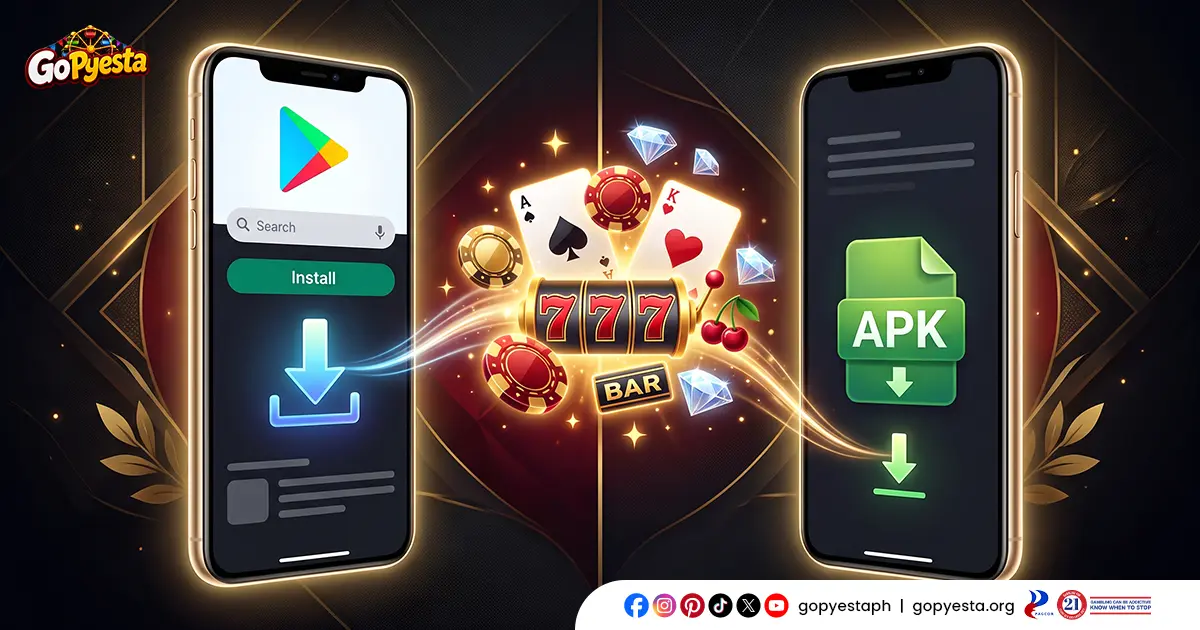
Unlike apps installed through the Google Play Store, an APK is installed directly, without going through Play Store’s distribution system. This is common for platforms in industries like online gaming, where availability on major app stores can be inconsistent due to store-specific policies.
The APK itself functions the same way once installed — it opens into the same account, games, and features covered in our app overview, just delivered through a different installation method.
Why Android Players Look for the Go Pyesta APK
Players search for the APK file for a few practical reasons. The most common is app store availability — online gaming platforms are frequently restricted or removed from the Google Play Store due to category-specific policies, even in regions where the platform operates legally. An APK becomes the direct route to installing the app when this happens.
Some players also look for the APK when their device runs an older Android version that may not be fully supported through standard Play Store listings, or when they want to install an update immediately rather than waiting for it to roll out through the store.
Others simply prefer having a direct installation file on hand, especially if they’ve used the platform before and want to reinstall quickly without searching through app store results.
APK vs. Google Play Store Access
Both methods lead to the same app experience, but the process behind each differs. Here’s how they compare:
| Aspect | APK File | Google Play Store |
| Source | Downloaded directly from the official website | Downloaded through the Play Store app |
| Installation | Requires manual install permissions | Installed automatically through the store |
| Availability | Accessible regardless of store restrictions | Subject to Play Store category policies |
| Updates | May require manual re-download | Often updates automatically |
| Setup Steps | Slightly more involved | Straightforward, one-tap install |
Neither method changes what’s inside the app itself — the same games, wallet tools, and account features are available either way. The difference lies entirely in how the file reaches your device.
Is the Go Pyesta APK Safe to Use?
An APK file is safe when it comes from the official source and hasn’t been altered or repackaged by a third party. The safety concern with APK files in general isn’t the format itself — it’s where the file is downloaded from. Unofficial or third-party APK sites can host modified versions that may contain malware, hidden trackers, or altered code.
To keep installation safe, the file should always be downloaded directly from our official website rather than app aggregator sites, forums, or unofficial file-sharing links. Devices should also have basic security measures in place, such as an updated operating system and a reliable mobile antivirus or built-in device protection feature, before installing any APK file.
Following these precautions significantly reduces the risk typically associated with sideloaded apps, making the process no less safe than a standard Play Store install.
How to Verify You Have an Official Go Pyesta APK
Before installing, a few quick checks can confirm the file is legitimate:
- Check the source URL. The download link should come directly from our official website, not a third-party file host or unfamiliar domain.
- Compare the file size. Official APK files typically fall within a consistent, expected size range. A file that’s significantly smaller or larger than expected may indicate tampering.
- Review the developer or publisher name. If your device shows package or publisher details during installation, this should match our official branding.
- Avoid APKs shared through unofficial channels, such as social media links, messaging apps, or unverified forums, even if they claim to be official.
- Check for unusual permission requests. An official file should only request permissions relevant to app functionality, not excessive access unrelated to how the app operates.
Taking a moment to verify these details before installing helps protect both the device and the account being used to access it.
Understanding Permissions Requested by the APK
During installation, the APK may request certain device permissions to function properly. Understanding what these permissions are for helps players make informed decisions rather than approving requests without context.
Common permissions an app like this may request include:
- Storage access — needed to save app data, cache, and any downloaded content within the app.
- Network access — required to connect to the platform, load games, and process account activity in real time.
- Notification access — used to deliver alerts about promotions, transactions, or account updates.
Permissions requested should align with what the app actually needs to function. Requests for access unrelated to these core functions, such as contacts, camera, or call logs without clear purpose, are a signal worth questioning before proceeding with installation.
Keeping Your Go Pyesta APK Updated
Since APK installations don’t automatically update through the Play Store, staying current requires a bit more attention. Periodically checking our official website for the latest version helps ensure access to new features, performance improvements, and important security patches.
Using an outdated APK version can sometimes lead to compatibility issues, slower performance, or missing features compared to the current release. When a new version becomes available, downloading and installing it typically follows the same verification steps as the initial installation — confirming the source and checking file details before proceeding.
Common Concerns About APK Files, Addressed
A few concerns come up repeatedly among players considering an APK installation. Addressing them directly helps clear up common misconceptions:
“Is installing an APK illegal?”
No. Installing an APK file is a standard method of app distribution on Android. It becomes a concern only when the file comes from an unverified or malicious source.
“Will an APK install malware on my device?”
Only if downloaded from an unofficial source. Files obtained directly from our official website carry the same integrity as any standard app installation.
“Does using an APK void my device warranty?”
No. Installing an APK does not alter device firmware or system settings in a way that affects hardware warranties.
“Why does my device warn me before installing?”
This is a standard Android security prompt that appears for any app installed outside the Play Store, not an indication that the file itself is unsafe.

Downloading With Confidence
Understanding what an APK file is — and knowing how to verify one — takes the guesswork out of installing outside the Play Store. With the right source and a few quick checks, sideloading becomes just another straightforward way to get the app running on your device. Once you’re ready to install, the actual download and setup process is easy to follow step by step.
Every Day is a Winning Fiesta
Join Go Pyesta and explore casino entertainment, sports betting, slots and promotions — all in one place.